Features
Your property command centre, one clear workspace.
Property Wallet, OWNLIO Pulse, real cash flow, Looking Ahead and Property History, alongside the tenancy records, rent ledger, maintenance and documents you'd expect.
Know what you own
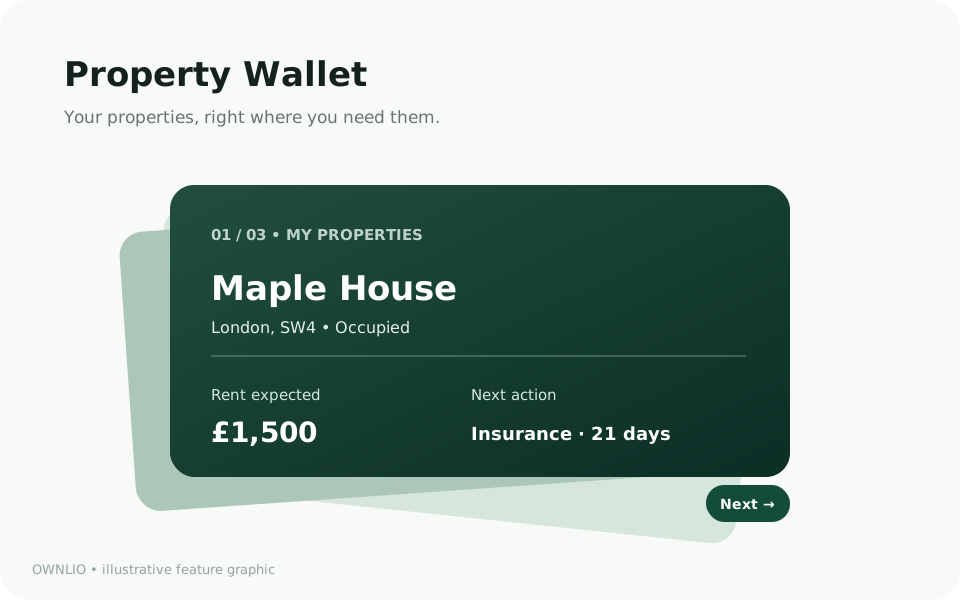
Property Wallet
A customisable, interactive view of your portfolio, and a faster way into any property.
- Pin the properties you check most and put the rest in your own order.
- Choose which details each card shows: rent expected, rent recorded this month, cash flow, next date, open tasks, value or estimated equity.
- Switch between Wallet and List view when you want to scan everything at once.
- Move cards earlier or later with buttons, swipe on touch screens, or use the arrow keys. No dragging required.
- Your order and card details are saved to your account and follow you across devices.
Missing values show as “Rent not set” or “Not added”, never as £0.
Know what's happening
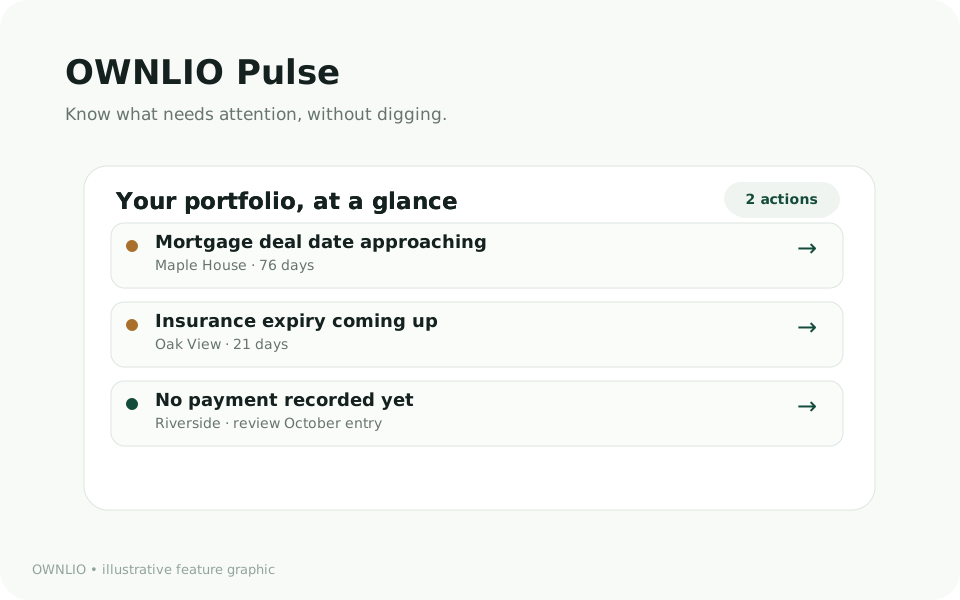
OWNLIO Pulse
A short, trustworthy briefing of what needs attention, based on the information you've recorded.
- Upcoming mortgage deal dates, document expiry dates, high-priority repairs and gaps in your rent records.
- Every insight has a “Why am I seeing this?” explanation showing the source record, the exact values and the date it was calculated.
- A direct link to the record, so you can act on it or correct it.
- Snooze or dismiss non-urgent insights. They come back if the underlying date changes.
- Plain rules, not a score or a guess. Pulse never says a tenant hasn't paid; it says no payment has been recorded for that due date.
Pulse uses only what you've entered in OWNLIO. It does not connect to your bank.
Real property cash flow
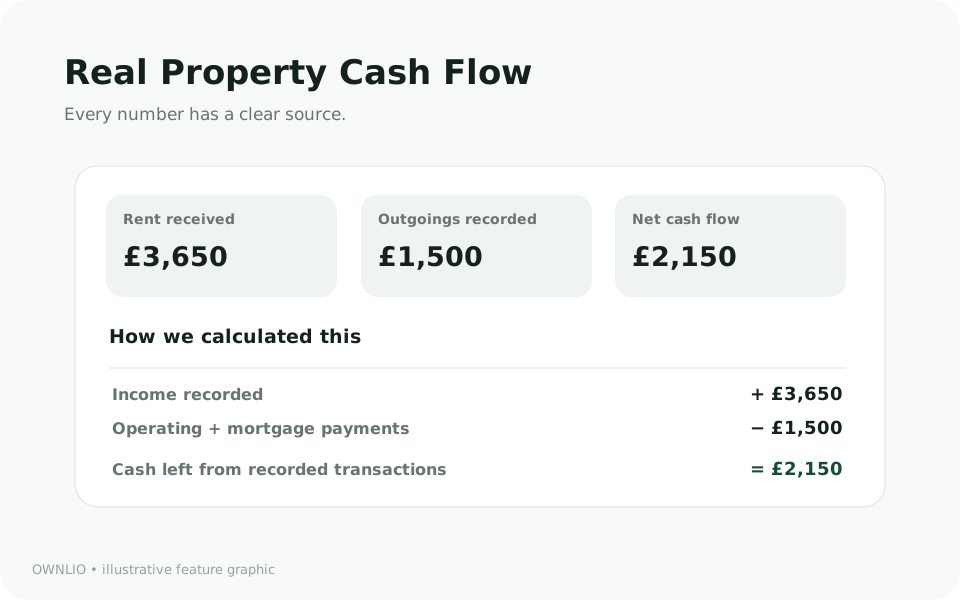
Keep expected rent, received payments and recorded outgoings separate, and see exactly how each figure is calculated.
- Rent expected, rent recorded as received, operating expenses and mortgage payments are shown as separate lines.
- Net recorded cash flow = money in − expenses − full mortgage payments, before tax. Click any figure to see the transactions behind it.
- A simplified operating result before finance is shown separately and never labelled profit.
- If you record a mortgage payment's principal and interest, it's shown. If you don't, OWNLIO says “Mortgage split not provided” instead of estimating.
- Compare properties for any month, and download your ledger as a CSV with UK dates.
Financial summaries reflect information entered in OWNLIO; they are not verified bank balances or tax advice.
Know what's next
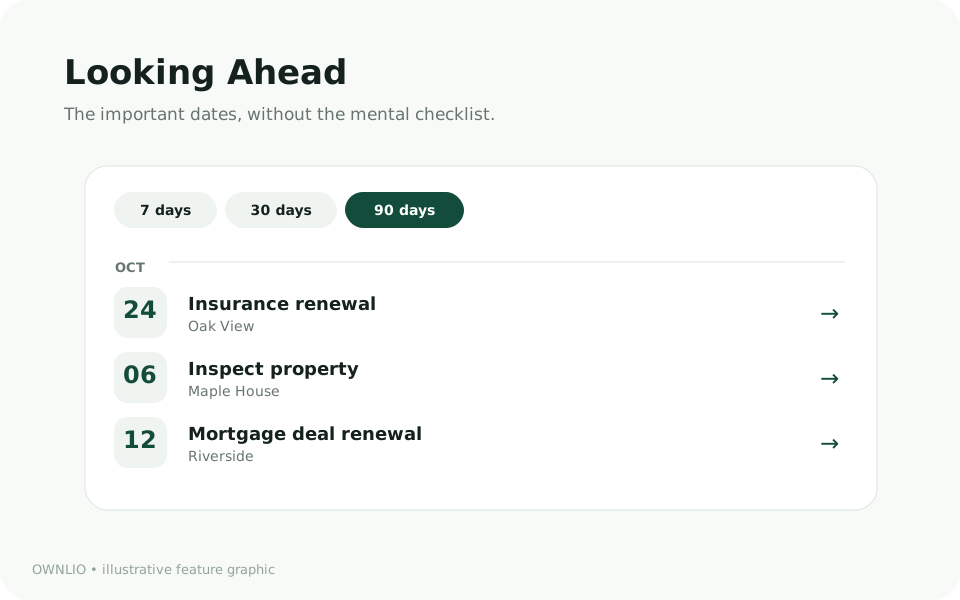
Looking Ahead
One forward-looking view of the next 7, 30 or 90 days across all your properties.
- Reminders, mortgage deal dates, document expiry dates, tenancy end dates and planned maintenance in a single timeline.
- Grouped as overdue, this week, later this month and coming up, with the source of each date labelled.
- A reminder linked to a document is shown once, not twice.
- Go to the source, or mark a reminder complete, from the timeline.
Dates come from what you've saved. Reminders are organisational aids, not confirmation that a legal requirement has been met.
Property History
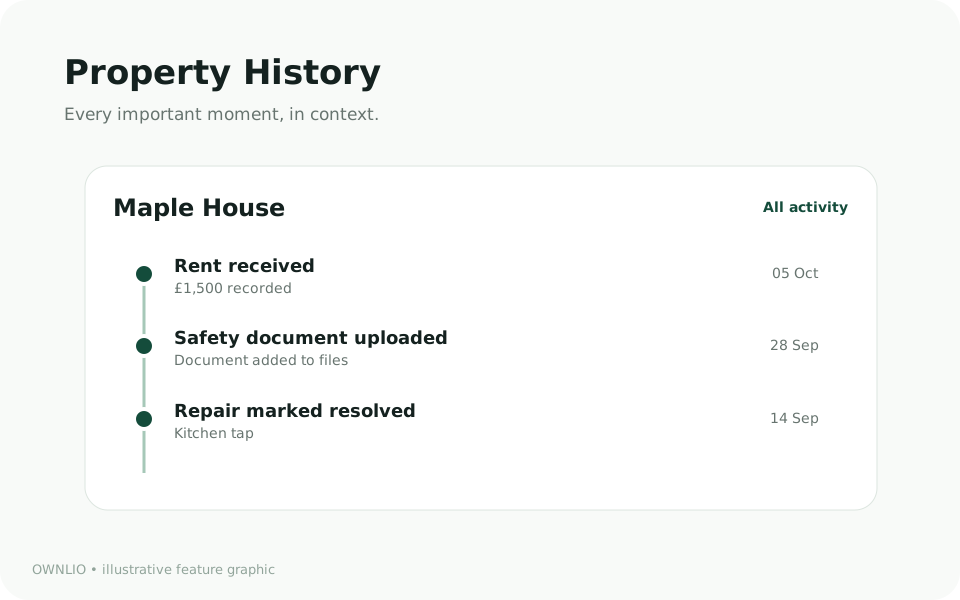
A timeline for every property: tenancies, recorded payments, repairs, documents and your own notes.
- Newest first, grouped by month, filterable by finances, tenancies, maintenance, documents and notes.
- Each event shows where it came from: recorded in OWNLIO, manually added, or an audit record.
- Add a dated note for anything that doesn't fit elsewhere, like a new boiler or a conversation with the managing agent.
- Corrections appear as new events. The ledger stays the source of truth.
Tenant contact details are never shown in the timeline.
And the essentials
Properties
Ownership, mortgage and value details for each home.
Tenancies
Rent, key dates and deposit details. Tenants don't need accounts.
Maintenance
From first report to resolved, with notes and costs kept separate from expenses.
Documents
Private storage with expiry dates and reminders.